10 Best AI Fitness Coach Apps in 2026: Free and Paid Options
Fitness
Key Findings
Fitbod is one of the best AI fitness coach apps for personalized strength training, while Freeletics is particularly useful for adaptable home, bodyweight and mixed training. Neura offers a broader approach by connecting fitness guidance with sleep, recovery, nutrition and other health data. Google Health Coach and WHOOP Coach are strongest when paired with their respective wearable ecosystems, while JuggernautAI and Evolve provide more specialized programming for powerlifters and serious strength athletes. Free options exist, but most apps reserve their fully adaptive coaching features for paid plans.
Updated August 2026
AI fitness coach apps can now create workouts, recommend weights, respond to training feedback and adjust plans when your schedule changes. Some can also use sleep, recovery and wearable data to provide more personalized guidance.
However, “AI fitness coach” is a broad label. Fitbod uses algorithms to manage strength workouts, Freeletics adapts guided training plans, WHOOP Coach interprets wearable data, and apps such as Neura provide conversational guidance across fitness and the wider health factors that affect it.
That means there is no single best AI fitness coach app for everyone. The right choice depends on whether you want a gym program, home workouts, powerlifting support, real-time feedback or a coach that considers your sleep, recovery, nutrition and stress alongside your training.
Best AI Fitness Coach Apps at a Glance
App | Best For | Free Option | Typical Price | Platforms |
|---|---|---|---|---|
Neura | Fitness guidance informed by wider health data | Ongoing free plan | Free plan; paid Neura iQ available | Web and mobile beta |
Fitbod | Personalized strength workouts | Three-workout trial | $15.99 monthly or $95.99 annually | iOS and Android |
Freeletics | Home, bodyweight and mixed training | Limited free workouts | Varies by plan and region | iOS and Android |
Google Health Coach | Fitbit, Pixel Watch and connected health data | Google Health app is free | $9.99 monthly or $99 annually | iOS and Android |
Zing Coach | Flexible home and gym workouts | Limited or trial access | Varies by subscription | iOS and Android |
FitnessAI | Simple progressive-overload guidance | Trial or limited access | Subscription prices vary | iOS and Apple Watch |
JuggernautAI | Powerlifting and powerbuilding | Free trial | $34.99 monthly | iOS and Android |
Evolve | Advanced strength and bodybuilding plans | Two-week trial | $14.99 monthly or $131.99 annually | iOS and Android |
WHOOP Coach | Recovery-led fitness coaching | No standalone free plan | WHOOP membership required | iOS and Android |
Aaptiv | Audio-guided workouts | Free trial | From approximately $9.99 monthly | iOS and Android |
Prices were checked in August 2026. Subscriptions can vary according to country, platform, promotion and billing term.
How We Chose the Best AI Fitness Coach Apps
AI-powered fitness apps use several different forms of personalization, so simply generating a workout was not enough to earn a place in this list.
We compared each app based on:
How it creates and adapts workout plans
Which user data influences future recommendations
Workout variety and equipment flexibility
Progress tracking and feedback
Conversational coaching
Wearable and recovery-data support
Free access and subscription value
Platform availability
The limitations of its guidance
The comparison is based on current product documentation, app-store information and published feature descriptions. Prices and features can change, so check the app’s current subscription screen before purchasing.
10 Best AI Fitness Coach Apps Reviewed
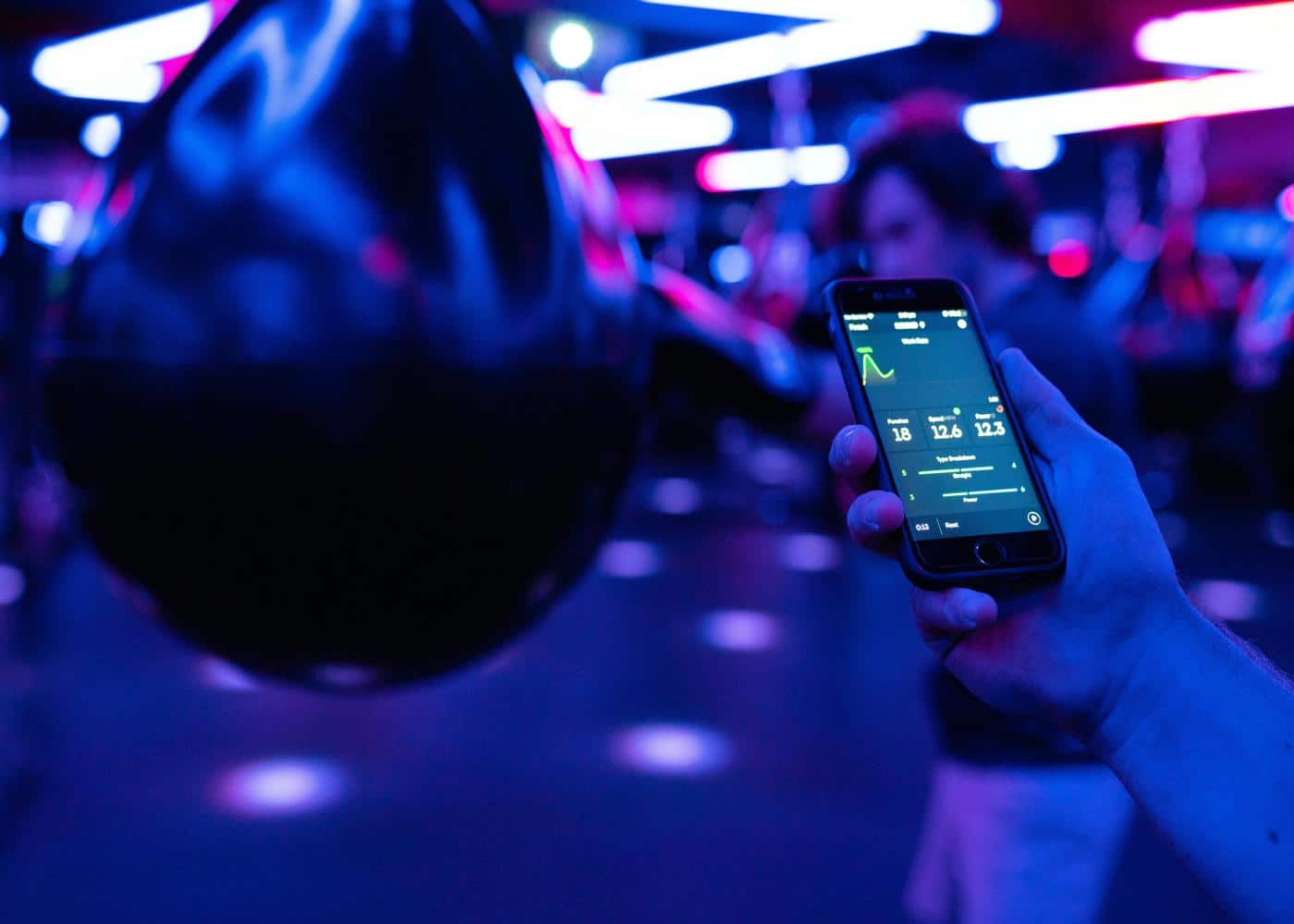
Here are the top 10 AI-powered coaching apps for 2026, ranked by utility and specialization.
1. Neura: Best for Fitness Guidance Informed by Wider Health Data
Best for: People who want their fitness plan connected with sleep, recovery, nutrition, stress and other health information.
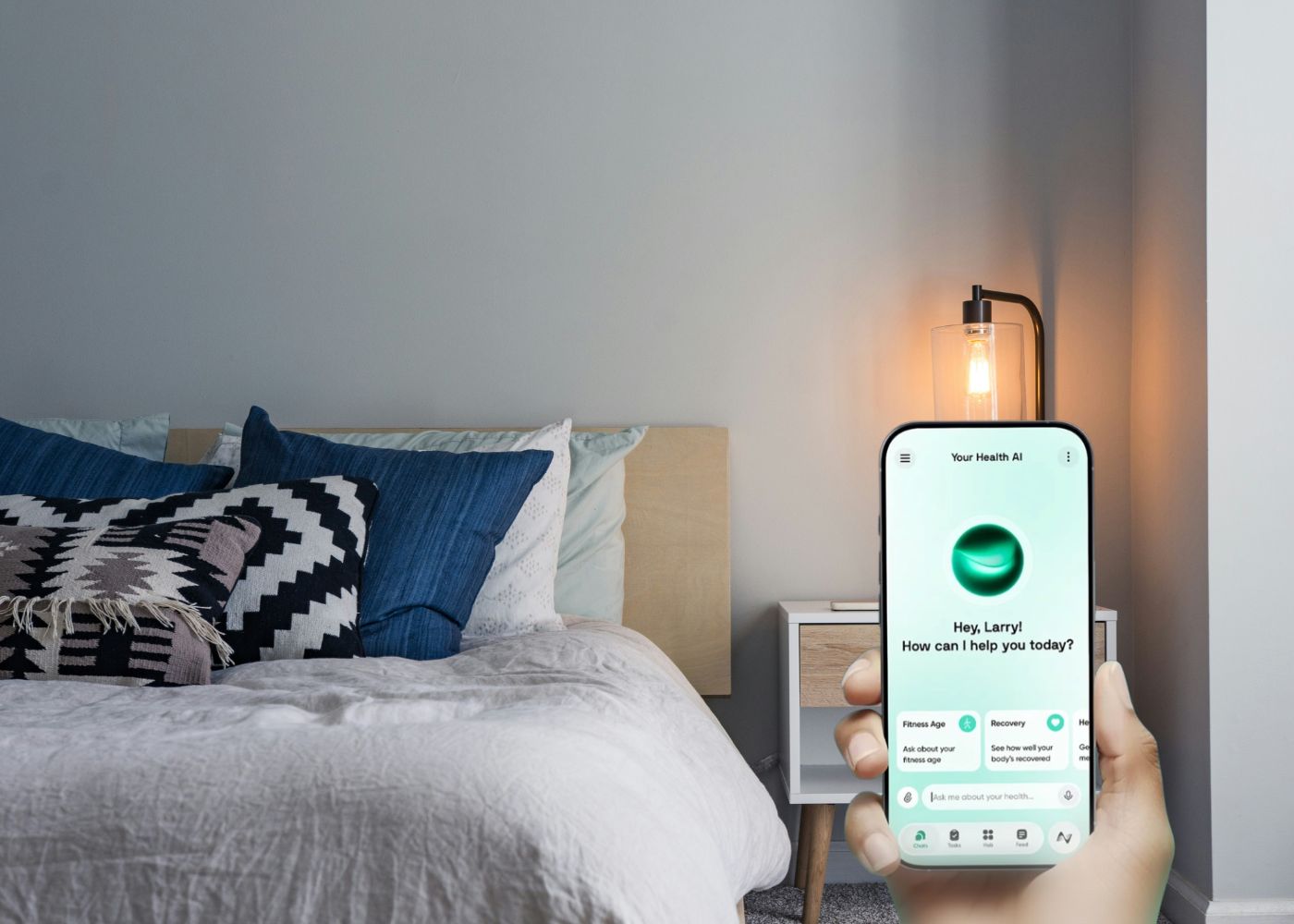
Neura Health takes a broader approach than a conventional AI workout coach. Instead of concentrating exclusively on sets, repetitions and weights, it connects fitness with the other factors that can affect performance and consistency.
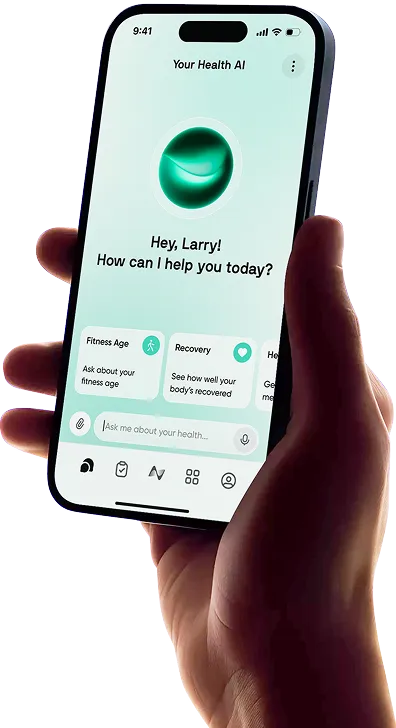
The Neura Agent can answer questions about workouts, energy, recovery and progress while remembering the goals and preferences shared with it. Users can also build personalized Health Plans containing daily tasks for fitness, sleep, nutrition and other areas.
Neura’s health-data integrations can bring information from wearables and health apps into the same platform. This allows fitness guidance to consider more than completed workouts. Poor sleep, changes in recovery or an unusually demanding week can provide useful context when reviewing a plan.
The free plan includes core AI chat, one active Health Plan goal, up to five dashboard widgets and limited daily data syncing. Neura iQ adds persistent multi-session memory, multiple active plans and more extensive real-time integrations.
Key features: Conversational AI coaching, adaptive Health Plans, connected health data, customizable dashboards and wider support for sleep, nutrition and recovery goals.
Drawbacks: Neura is a broader health coach rather than a dedicated lifting log. People who primarily want precise weight, set and repetition recommendations may prefer Fitbod, FitnessAI or Evolve. Neura is also currently in beta.
For a closer look at the coaching experience, read Meet Neura: Your Personal AI Fitness Trainer.
2. Fitbod: Best AI Fitness Coach for Strength Training
Best for: Gym users who want the app to choose their exercises, sets, repetitions and suggested weights.
Fitbod is one of the most established AI workout coach apps for strength training. It creates each session around your goals, experience, available equipment and previous workout history.
The app estimates which muscle groups have been trained recently and uses that information when selecting future exercises. It also applies progressive overload by changing recommended weights, repetitions and sets as more workouts are recorded.
Equipment selection is especially useful. You can tell Fitbod exactly what is available in your gym, home or hotel, and the app will build sessions around that setup. Exercise demonstrations and instructions make the program accessible to beginners, although users should still learn proper technique rather than relying entirely on an app.
Fitbod costs $15.99 per month or $95.99 per year when purchased through its website. New users can complete three workouts before subscribing.
Key features: Personalized strength sessions, equipment-based exercise selection, muscle-recovery estimates, progressive-overload recommendations and detailed workout logging.
Drawbacks: Fitbod is primarily a strength-training app. It does not provide the same breadth of sleep, nutrition, stress and general health guidance as a wider AI health coach. Its muscle-recovery display is also an algorithmic estimate based largely on training history, not a direct measurement of muscular recovery.
Fitbod is a strong choice if your main goal is to open the app, receive a complete gym workout and record your performance with minimal planning.
3. Freeletics: Best for Home and Bodyweight Workouts
Best for: People who want adaptable workouts they can complete at home, outdoors or in the gym.
Freeletics is best known for high-intensity bodyweight training, but its current coaching platform also supports weights, gym sessions, running, cardio and calisthenics.
The AI Coach builds a training journey around your goal, fitness level, schedule and equipment. Users can adjust an assigned session when they have less time, need to change location or do not have access to their normal equipment. Post-workout feedback helps the Coach determine the difficulty of later sessions.
Freeletics also offers Coach+, a conversational feature that can answer questions about training, exercise technique, nutrition and performance. This gives it more of a traditional coaching feel than apps that only generate workout lists.
The app is free to download and includes a limited selection of signature workouts, exercises, runs and audio sessions. A paid Coach subscription is required for a personalized training plan. Pricing varies according to region, billing term and available promotion.
Key features: Adaptive Training Journeys, bodyweight and equipment-based workouts, post-session feedback, quick workout adjustments and conversational Coach+ support.
Drawbacks: The free version provides workout content but not the complete personalized Coach experience. Its high-intensity style will not suit everyone, and it is less specialized than Fitbod or Evolve for people who want detailed barbell progression.
Freeletics works particularly well for users who frequently switch between home, outdoor and gym training.
4. Google Health Coach: Best for Google and Fitbit Users
Best for: People who want AI guidance built around Fitbit, Pixel Watch and other connected health information.
The Fitbit app became the Google Health app in May 2026. Its Gemini-powered Google Health Coach can provide personalized guidance on workouts, sleep, recovery and general wellbeing.
The Fitness area includes a weekly plan, workout suggestions and the ability to create and save workouts using natural-language instructions. The coach can also interpret trends from the user’s available health and activity data.
Google Health can connect with compatible services through Health Connect, Apple Health and Google’s health APIs. However, the most complete experience is likely to come from a Fitbit or Pixel Watch because these devices provide the continuous information used by Google’s own ecosystem.
The Google Health app itself is free. Full access to Google Health Coach requires Google Health Premium, which starts at $9.99 per month or $99 per year. Premium is also included with eligible Google AI Pro and Ultra subscriptions.
Key features: Gemini-powered conversation, weekly fitness plans, natural-language workout creation, wearable-data interpretation and sleep and recovery guidance.
Drawbacks: Google Health Coach is broader than a dedicated gym-programming app, so advanced lifters may find its set, weight and progression tools less detailed. Features and data availability can also vary according to device and region.
Google Health is particularly compelling if your Fitbit or Pixel Watch already contains most of your fitness and sleep history.
5. Zing Coach: Best for Flexible Home and Gym Workouts
Best for: Beginners and returning exercisers who want personalized workouts with visual feedback.
Zing Coach creates home and gym workout plans using the user’s goals, fitness background, equipment and preferred schedule. It adjusts workout intensity and complexity as more activity and feedback are collected.
One of its most distinctive tools is Zing Vision. On supported exercises, the phone camera can track movement and provide feedback intended to help users understand their technique. Zing also offers a camera-based body scan that estimates measurements such as body fat and lean mass.
These features make Zing more interactive than a standard workout generator. Daily check-ins can consider energy, mood and sleep, while Apple Health and Apple Watch connections add more activity data to the platform.
Zing is available on iOS and Android. It offers monthly, quarterly and annual subscriptions, although prices vary according to platform, promotion and region.
Key features: Adaptive workout plans, home and gym modes, camera-based movement tracking, body-composition estimates and daily readiness check-ins.
Drawbacks: Camera-based body composition is an estimate and should not be treated as equivalent to a clinical or laboratory measurement. Form feedback also depends on camera position, visibility and whether the exercise is supported. More experienced lifters may prefer an app with deeper control over periodization and exercise selection.
6. FitnessAI: Best for Simple Progressive Overload
Best for: Apple users who want straightforward strength workouts without extensive setup.
FitnessAI focuses on a simple question: what should you lift during your next workout?
The app recommends exercises, repetitions, sets and weights, then uses completed workout data to adjust later sessions. FitnessAI says its programming draws on more than 100 million training sessions, although users do not need to understand the underlying data to follow the plan.
Workouts can be adapted around available equipment and the amount of time available, with sessions ranging from short workouts to more complete gym routines. Apple Watch integration can make logging more convenient, while progress and body-composition features help users follow longer-term changes.
FitnessAI is available for iPhone and Apple Watch. Several subscription options appear through the App Store, with monthly and annual pricing varying according to the selected offer.
Key features: AI-generated lifting recommendations, progressive overload, short adjustable workouts, equipment customization, Apple Watch support and strength tracking.
Drawbacks: FitnessAI is largely restricted to Apple devices and does not offer the same conversational depth as Neura, Google Health Coach or Freeletics Coach+. Its subscription choices can also be difficult to compare because several prices and billing terms may be shown.
The app is most suitable for users who want clear strength recommendations without a large collection of lifestyle or health-management features.
7. JuggernautAI: Best AI Bodybuilding and Powerlifting Coach
Best for: Powerlifters and powerbuilders training toward strength or competition goals.
JuggernautAI is a specialist strength-programming app built around powerlifting and powerbuilding. Users can focus on improving the squat, bench press and deadlift or follow a program that combines strength with greater emphasis on muscle development.
The app uses readiness check-ins, training feedback, weak-point analysis and individualized volume recommendations to adjust the program. It also manages longer training phases such as hypertrophy, strength development and competition peaking.
JuggernautAI 3.0 introduced a redesigned dashboard, standardized readiness scoring, sleep and bodyweight trends, faster logging, improved graphs and updated meet-day tools.
The app costs $34.99 per month and is available on iOS and Android. A free trial is available before the paid subscription begins.
Key features: Powerlifting and powerbuilding programs, readiness check-ins, periodized training blocks, weak-point targeting, meet preparation and detailed strength analytics.
Drawbacks: JuggernautAI is one of the more expensive apps in this comparison. Its specialized structure is unnecessary for someone who mainly wants general fitness, short home workouts or casual strength sessions. Users also need suitable equipment for most powerlifting programs.
For competitive or highly structured strength training, however, JuggernautAI provides a level of specialization that broader AI fitness apps do not.
8. Evolve: Best for Advanced Strength and Bodybuilding Plans
Best for: Lifters who want adaptive programming with more control over their training structure.
Evolve combines an expert-system training engine with extensive customization. Its Genesis engine creates a program around the user’s goals, training history, preferred schedule and approach to strength or muscle development.
The app uses guided autoregulation, allowing training to change according to performance and feedback without abandoning the broader structure of the program. Users can also adjust training days, exercises, sets, repetitions and weekly progression themselves.
This balance between automated programming and manual control makes Evolve particularly attractive to experienced lifters. Beginners can follow the plan as provided, while advanced users can make changes without having to rebuild everything from scratch.
Evolve costs $14.99 per month, $77.99 for six months or $131.99 annually when purchased through its website. A two-week free trial is included with the monthly plan. App-store pricing may be higher.
Key features: Genesis training engine, real-time program customization, guided autoregulation, powerlifting and bodybuilding support, training-block management and nutrition tracking.
Drawbacks: Evolve assumes a greater interest in strength-programming detail than most general fitness users possess. It is not the best option for guided cardio, home fitness classes or conversational health advice.
Evolve offers better value than JuggernautAI for many lifters, although the two apps take different approaches to programming and control.
9. WHOOP Coach: Best for Recovery-Led Fitness Coaching
Best for: WHOOP users who want conversational guidance based on their recovery, sleep and strain data.
WHOOP Coach is built into the WHOOP membership experience. It can answer questions about training, recovery, sleep and performance using biometric trends collected by the WHOOP wearable.
This grounding in continuous wearable data is its principal advantage. Users can ask why their Recovery score changed, how recent sleep may be affecting performance or how much Strain might be appropriate that day.
WHOOP Coach is less concerned with prescribing the exact weight for every lifting set than Fitbod or FitnessAI. Its value comes from interpreting the relationship between exertion and recovery.
A WHOOP membership includes the wearable, app and personalized coaching. In the United States, WHOOP One has been offered from $149 for the first year, with subsequent renewal pricing and higher membership tiers costing more.
Key features: AI interpretation of WHOOP data, sleep and recovery coaching, Strain guidance, personalized trend analysis and continuous wearable context.
Drawbacks: WHOOP Coach is not available as a standalone app. It requires a WHOOP device and membership, making it considerably more expensive than app-only alternatives. Users who already own a Garmin, Apple Watch or Oura Ring may not want another wearable.
Our comparison of the best recovery and readiness trackers explains how WHOOP’s approach differs from other platforms. You can also explore the best WHOOP alternatives if the ongoing membership does not appeal.
10. Aaptiv: Best for Audio-Guided Workouts
Best for: People who want personalized workouts without repeatedly looking at a screen.
Aaptiv combines its SmartCoach planning system with a large library of trainer-led audio and video workouts. It covers running, walking, strength training, yoga, rowing, stretching and cardio equipment.
SmartCoach asks about the user’s goals, experience and ability before creating a personalized workout plan. Progress and feedback can then be used to refine the recommended schedule.
The audio-first approach remains Aaptiv’s clearest advantage. Runners, walkers and gym users can follow spoken instructions without continually stopping to check an exercise list. Apple Watch and heart-rate-monitor support can add workout data and heart-rate-zone feedback.
Aaptiv offers a free trial, followed by a subscription. The US App Store displays several monthly and annual purchase options, with prices varying according to the selected plan.
Key features: AI-powered SmartCoach plans, audio and video workouts, more than 10,000 on-demand sessions, heart-rate-zone support, programs and fitness challenges.
Drawbacks: Aaptiv is closer to a personalized workout-content service than a detailed progressive-overload system. Its physical gym network is only available through participating employers and health plans, not an ordinary digital subscription.


What Is the Best Free AI Fitness Coach App?

Neura is one of the strongest free options for people who want conversational fitness guidance connected with their wider health goals. Its ongoing free plan includes core AI chat, one active Health Plan goal, dashboard widgets and limited data syncing.
Freeletics also has a permanent free version, but it mainly provides access to selected workouts, exercises and runs. The personalized AI Coach requires a subscription.
Several other apps advertise free access when they actually offer a limited trial:
Fitbod allows three workouts before requiring payment.
Evolve includes a two-week trial.
JuggernautAI offers a free trial before its monthly subscription.
Aaptiv offers a trial of its digital service.
The Google Health app is free, but the full Google Health Coach requires Premium.
WHOOP Coach requires a wearable membership.
A free trial can still be useful, but it should not be confused with an ongoing free AI fitness coach app.
Is There an AI Fitness Coach App Like ChatGPT?
ChatGPT can generate workout plans, answer follow-up questions and revise a routine when given new information. The conversational format is useful if you want to explain that you have limited equipment, dislike a certain exercise or need to rearrange your week.
ChatGPT Health can also use connected Apple Health information and supported health records for eligible users. This can add useful context when discussing exercise, sleep and activity trends.
However, ChatGPT is not a complete replacement for a dedicated workout app. It does not provide the same built-in exercise logging, automatic progressive-overload calculations or structured training blocks as Fitbod, JuggernautAI or Evolve.
The closest alternatives depend on what you want from the conversation:
Neura is suited to ongoing discussions that connect fitness with wider health data and plans.
Google Health Coach offers conversational guidance within the Google Health ecosystem.
WHOOP Coach answers questions using WHOOP recovery and performance data.
Freeletics Coach+ adds conversational support to a structured workout platform.
Our guide to the best personal AI health coach apps explores this broader category in more detail.
AI Fitness Coach vs. Human Personal Trainer
AI can perform parts of a personal trainer’s role, but the two options are not interchangeable.
Area | AI Fitness Coach | Human Personal Trainer |
Cost | Usually lower | Usually higher |
Availability | Accessible at any time | Limited to agreed sessions |
Workout Programming | Fast and data-driven | Can include greater nuance |
Technique Feedback | Limited or camera-based | Direct observation and correction |
Accountability | Reminders, streaks and check-ins | Personal relationship and direct follow-up |
Injuries and Pain | Cannot diagnose or assess reliably | A trainer can modify exercise but may still need clinical input |
AI fitness coaching is most effective for people who can exercise independently but need more structure, planning or data interpretation. A human trainer is usually more appropriate when technique, confidence, complex limitations or personal accountability are the main concerns.
Trainwell is an example of a human-led alternative. Its technology tracks aspects of a workout, but a dedicated trainer creates the plan, reviews progress and provides ongoing support.
How to Choose an AI Fitness Coach App
Start by identifying the part of training you actually want help with.
Choose Fitbod or FitnessAI if you want an app to manage daily strength exercises and progressive overload.
Choose Freeletics, Zing or Aaptiv if you want guided home and gym workouts with greater variety.
Choose JuggernautAI or Evolve if powerlifting, bodybuilding or advanced strength programming is the priority.
Choose WHOOP Coach or Google Health Coach if wearable data and recovery guidance matter more than detailed lifting prescriptions.
Choose Neura if you want fitness recommendations connected with sleep, recovery, nutrition, stress and your broader health goals.
Also check whether the app supports your phone and wearable, whether the advertised “free” option is permanent, and how much manual logging is required. Our roundup of the best health and fitness apps for iPhone and Apple Watch can help Apple users compare the wider ecosystem.
Connecting more apps does not automatically create better advice. The data must be complete, relevant and free from duplicate entries. Learn more about consolidating health data from multiple sources before building a complicated tracking setup.
Final Thoughts: Which AI Fitness Coach Is Best?
The best AI fitness coach depends on the job you need it to perform.
Fitbod provides one of the strongest experiences for day-to-day strength programming. Freeletics is more flexible for people moving between home, outdoor and gym training. JuggernautAI and Evolve serve serious lifters, while WHOOP Coach and Google Health Coach make greater use of wearable and recovery data.
Neura is the better fit for people who do not want fitness treated as an isolated part of their health. It can connect workout goals with sleep, recovery, nutrition, stress and other information before helping users build a more complete plan.
Whichever app you choose, treat its recommendations as guidance. Pay attention to pain, unusual symptoms and persistent fatigue rather than allowing an algorithm to overrule how you feel.
If your main frustration is having plenty of data but no clear next step, explore how Neura works as the fitness app that tells you what to do next.
References and Further Reading
Medical disclaimer: AI fitness coach apps provide general wellness and exercise guidance. They cannot diagnose injuries, medical conditions or the cause of symptoms. Speak with a qualified healthcare professional before beginning a new exercise program if you have an injury, health condition, concerning symptoms or questions about whether a workout is appropriate for you.
Article FAQ
What is the best AI fitness coach app?
The best AI fitness coach app depends on your goal. Fitbod is particularly strong for adaptive strength workouts, while Freeletics is better suited to home and bodyweight training. JuggernautAI and Evolve provide more specialized powerlifting and bodybuilding programming. Neura is a strong choice for people who want fitness guidance connected with sleep, recovery, nutrition, stress and wider health data.
Is there a free AI fitness coach app?
Yes. Neura offers an ongoing free plan with core AI chat and one active Health Plan goal. Freeletics also provides free workouts and exercises, although its personalized Coach requires a subscription. Many other AI fitness apps only offer a limited trial, so check whether “free” means permanent access, a small number of workouts or a trial that automatically becomes paid.
Which AI fitness coach app is most like ChatGPT?
Neura, Google Health Coach, WHOOP Coach and Freeletics Coach+ all offer conversational guidance. Neura supports ongoing discussions across fitness and wider health information, while WHOOP Coach and Google Health Coach ground answers in their respective wearable ecosystems. ChatGPT Health can also discuss exercise using connected health information, but it lacks some of the structured logging and progression tools found in dedicated fitness apps.
Can AI create a personalized workout plan?
Yes. An AI fitness coach can use information such as goals, experience, equipment, schedule and previous performance to create a more personalized workout plan. Some apps also use user feedback or recovery data to change future sessions. The result still needs to be reviewed carefully, particularly when someone has an injury, medical condition or limited exercise experience.
Do AI fitness coaches use wearable data?
Some do. WHOOP Coach uses data collected by the WHOOP wearable, while Google Health Coach works with information in the Google Health ecosystem. Neura can connect information from multiple compatible health and fitness sources. Other apps, including Fitbod, rely more heavily on manually logged workouts and estimated muscle recovery than continuous biometric data.
Can an AI fitness coach replace a personal trainer?
An AI fitness coach can replace some programming, tracking and planning tasks for people who are comfortable exercising independently. It cannot fully replace direct technique assessment, human judgment, personal accountability or the evaluation of pain and injury. Beginners and people with complex health or mobility concerns may benefit from combining an app with support from a qualified trainer or healthcare professional.