
Bearable App Review: Is This the Best Symptom Tracker?
Tech

Key Findings
Bearable combines symptom, mood, medication, sleep, and habit tracking into a single customizable app. The free version covers the essentials, while Premium adds deeper reports and correlations. It works best for users who do not mind regular manual check-ins.
Tracking symptoms can help you notice changes, remember important details between appointments, and understand how habits or treatments may affect how you feel.
The challenge is finding an app that collects enough useful information without making every daily check-in feel like a long task.
Bearable is designed for people who want to monitor several parts of their health in one place. It brings together symptoms, mood, sleep, energy, medication, nutrition, habits, and other factors in a customizable journal.
It also turns those entries into charts and reports that may help users notice recurring patterns.
In this Bearable app review, we look at how the platform works, what it feels like to use, its most useful tools, and where it may fall short.
We also compare several alternatives for people who need a different level of detail or a more specialized approach.
What is the Bearable App?
Bearable is a health-tracking app for iOS and Android. It was created to make it easier for people to monitor physical symptoms, mental well-being, chronic conditions, pain, fatigue, medication, sleep, and everyday habits in one place.
The Bearable symptom tracker app lets users create their own symptoms and organize them into groups.
You can rate severity, add notes, log medication, record mood and energy, and note factors such as exercise, stress, caffeine, food, work, or social activity. Bearable can then compare these entries over time to help identify possible relationships.
Most core tracking tools are available in the free version. This includes custom symptoms, factors, mood entries, medication logs, reminders, notes, and shorter-term reports.
Premium adds longer reporting periods, deeper correlation tools, additional experiments and goals, and more advanced custom measurements.
Bearable is not a diagnostic tool and cannot confirm what is causing a symptom. Its value comes from helping you create a clearer record that you can review yourself or discuss with a healthcare professional.
Bearable App: In-Depth Review

Bearable combines the flexibility of a journal with the structure of a data tracker. Rather than requiring every user to follow the same template, it lets you choose which sections appear on your home screen and what you want to record.
That flexibility is one of its main advantages, especially for people whose symptoms do not fit neatly into a general wellness app.
However, it also means that the experience depends heavily on how much time you spend setting it up.
A carefully customized dashboard can make daily tracking quick. A dashboard filled with too many symptoms, factors, and measurements can feel crowded.
How Does Bearable Work?
After creating an account, you choose what you want to track, such as symptoms, mood, energy, sleep, medication, nutrition, health measurements, and daily habits.
You can hide sections you do not need and create custom entries for your specific symptoms or routines.
A daily check-in may involve rating symptom severity, recording your mood, confirming medication use, and selecting factors such as stress, caffeine, exercise, or screen time.
Bearable organizes this information into timelines, calendars, charts, and reports so you can compare symptoms with possible influences.
The app can also import selected data from Apple Health, Google Health Connect, and Fitbit.
Users can export their Bearable data as a CSV file to review independently or share with a healthcare professional.
What Does Bearable Feel Like to Use?
Bearable feels more detailed than a basic health journal, but most daily entries rely on quick taps, ratings, and checkboxes.
Once you have customized the dashboard, regular check-ins can be relatively fast.
The app is easiest to manage when you begin with a small number of symptoms and factors. Adding too many categories at once can make the dashboard feel crowded and make consistent tracking harder.
The Bearable app mood tracker lets you record mood scores, emotions, and notes alongside symptoms, sleep, medication, and daily activities.
This makes it useful for people who want to understand how their emotional and physical health may overlap.
Bearable still requires consistent manual input. Connected health platforms can import some measurements, but users must record subjective symptoms and experiences themselves.
Bearable App: Key Features
The most notable Bearable app features include:
Custom symptom tracking: Create symptom groups, add your own symptoms, rate severity, and attach notes. Premium users can also add more specific measurements for duration, frequency, pain, or other values.
Mood, energy, and sleep logs: Track emotional state, energy levels, sleep quality, and related notes alongside physical symptoms.
Medication and reminder tools: Record medications and supplements, schedule reminders, and compare treatment use with changes in symptoms.
Factors and lifestyle tracking: Log possible influences such as stress, exercise, work, food, caffeine, alcohol, social activity, or personal routines.
Charts, trends, and correlations: Review calendars, timelines, reports, and comparison tools that show how symptoms and other factors change over time.
Health integrations and data export: Import supported metrics from connected health platforms and export your Bearable data as a CSV file.
Pros
Bearable’s main strength is its flexibility. You can track symptoms, medication, sleep, mood, energy, and lifestyle factors in one place rather than using several separate journals.
Custom symptoms and categories also make the app useful for people whose needs do not fit a standard template.
The free version provides enough tracking, reminders, notes, reports, and export tools to properly test the platform before subscribing.
Users can also keep the dashboard simple at first and add more detail over time.
Its charts and timelines can make health changes easier to review than relying on memory alone.
This may be especially useful when preparing for an appointment or trying to explain how symptoms have changed over several weeks.
Drawbacks
Bearable can take time to set up, and the number of available categories may feel overwhelming at first.
Tracking too many symptoms and factors can also make daily check-ins harder to maintain.
Some of the most useful long-term reports, advanced correlations, experiments, and custom measurements require Premium. Users who mainly want deeper analysis may therefore find the free version limiting after the initial trial period.
The reports also need careful interpretation. A connection between two entries does not prove that one caused the other, and incomplete or inconsistent logging can make trends less reliable.
Even with wearable integrations, users still need to manually enter symptoms, mood, pain, and other personal experiences.
Bearable App: Final Verdict
Bearable is a strong option for people who want a detailed, flexible symptom journal and are willing to enter information regularly.
It is especially useful when several areas overlap, such as pain, fatigue, mood, medication, sleep, and daily habits.
It may not be the best fit for someone who wants fully automatic tracking or an extremely minimal interface.
It also cannot determine the medical cause of symptoms, so its trends should be treated as prompts for further observation or discussion rather than clinical conclusions.
For most users, the best approach is to begin with the free version and track a limited set of symptoms and factors for a few weeks.
That provides enough time to see whether the daily routine feels sustainable before paying for deeper reports.


Alternative Apps for Symptom Tracking

The right Bearable app alternative depends on whether you want broader health guidance, medical record management, pain-specific tools, chronic illness pacing, or simpler mood tracking.
For a full breakdown, see our roundup of The Best Symptom Tracker Apps on the market today.
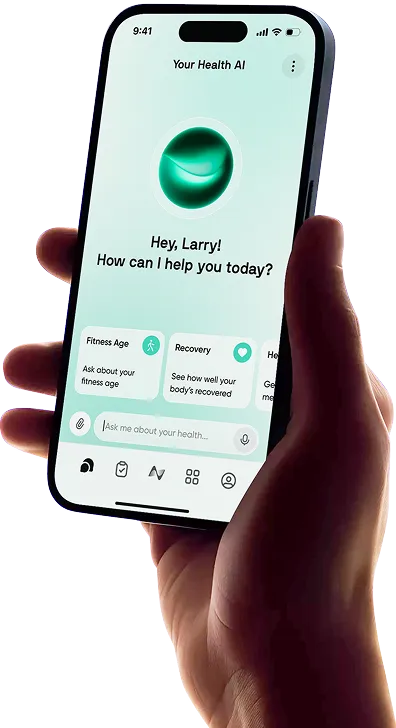
Neura: A broader health and fitness platform that connects data from wearables and health apps, interprets what matters, and provides personalized daily guidance. Rather than focusing mainly on manual symptom logging, Neura helps users understand how sleep, stress, activity, recovery, nutrition, and personal goals affect what they should prioritize each day.
CareClinic: A health management app that combines symptoms, medication, measurements, activities, reminders, and care plans. It may suit users who want symptom tracking tied closely to medication adherence and a structured care routine.
Guava: A personal health record platform that can combine symptom logs with medications, lab results, medical records, and connected device data. It may be useful for organizing information from patient portals and wearables alongside daily tracking.
Manage My Pain: A more specialized option for chronic pain. Users can record pain, medication, daily reflections, and whether treatments helped. Its narrower focus may be easier for people who mainly need a pain diary.
Visible: Built for people with energy-limiting conditions, including Long COVID, ME/CFS, POTS, and chronic fatigue. It combines self-reported symptoms with exertion, pacing, and biometric tools.
Track Your Wider Health & Fitness with Neura

Bearable focuses on recording symptoms and reviewing possible patterns. Neura takes a broader approach by connecting health and fitness data, interpreting what matters, and turning it into practical daily guidance.
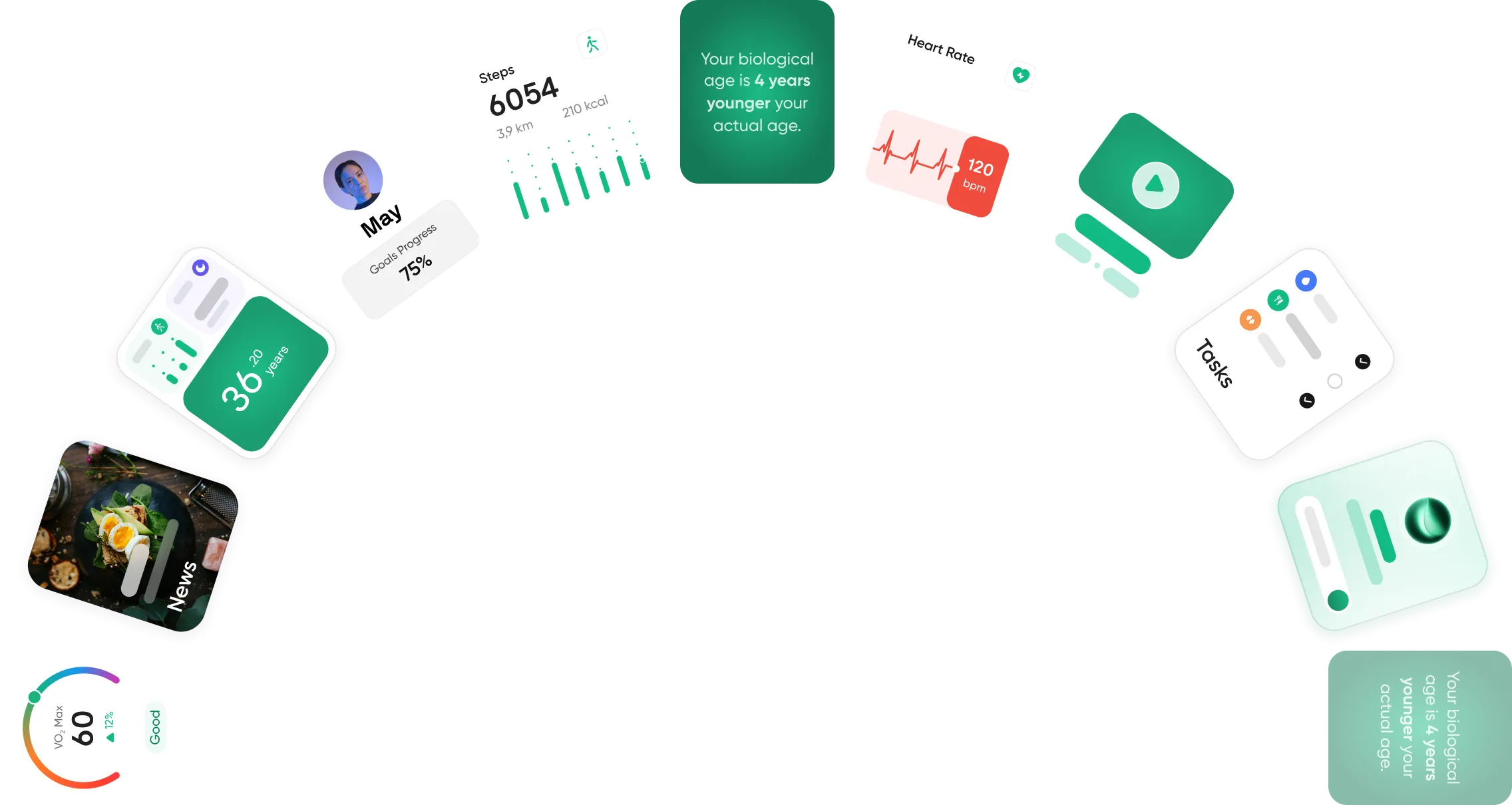
Neura can consider factors such as sleep, stress, activity, recovery, and personal goals when adjusting recommendations.
Instead of leaving users to interpret several separate metrics, it is designed to clearly explain what to prioritize each day.
The Bearable health app may be more suitable for detailed symptom journaling.
Neura may appeal more to people who want personalized support across fitness, recovery, nutrition, and everyday wellness without spending as much time reviewing dashboards.
Final Thoughts: Bearable App Review
Bearable is a flexible option for tracking physical symptoms, mood, medication, sleep, and lifestyle factors in one place.
Its customizable dashboard and generous free tools make it suitable for people managing several areas of their health.
However, the experience can become complicated if you try to track too much. Starting with a few important symptoms and factors can make the app easier to use consistently.
Bearable cannot diagnose a condition or prove what is causing a symptom. Still, it can help users create a clearer health history and prepare more detailed information for medical appointments.
For people who value customization and do not mind regular check-ins, it is a practical symptom-tracking app.
Article FAQ
What is the Bearable app?
Bearable is a customizable health and symptom-tracking app for iOS and Android. It allows users to record symptoms, mood, pain, fatigue, sleep, energy, medication, treatments, and lifestyle factors. The app organizes this information into timelines, charts, and reports to help users notice patterns in their health over time.
Is the Bearable app free?
Yes, Bearable is free to use and does not contain ads. The free version includes unlimited symptom, mood, medication, and lifestyle-factor tracking, along with notes, reminders, charts, and shorter-term reports. An optional Premium subscription provides longer reporting periods, advanced correlations, experiments, and additional custom measurements.
Is the Bearable app safe?
Bearable includes several measures intended to protect user data. The company states that health information is encrypted on the user’s device before being backed up to servers in the EU. Bearable also limits the personally identifiable information it collects and allows users to delete their accounts and data. No app is completely risk-free, so users should still review its privacy policy and permissions.
How does the Bearable app work?
Bearable lets you choose the symptoms, medications, moods, habits, and other health factors you want to monitor. You record daily entries using ratings, checkboxes, and notes. The app then displays the information in timelines, calendars, charts, and correlation reports so you can compare changes in your symptoms with treatments or daily activities.
Can I share Bearable data with my doctor?
Yes, you can export Bearable data to share with a doctor, therapist, or other healthcare professional. Exports can include tracked symptoms, moods, sleep information, notes, and other metrics from a selected period. The app’s timeline, calendar, and reports may also help you discuss when symptoms started or how they changed.
Can Bearable diagnose health conditions?
No, Bearable cannot diagnose a medical condition or replace professional medical advice. It can help you document symptoms, monitor changes, and identify possible correlations, but those patterns do not prove what caused a symptom. Medical concerns and treatment decisions should always be discussed with a qualified healthcare professional.